
Get Mizan
The till app is for an Android phone. Register your shop in the app and the trial starts at once: seven days of the Economic plan, free, with nothing paid up front.
The app for Android
The download link is not ready here yet. Ask for it on WhatsApp and we will send it.
A WhatsApp number shows here when our server answers. Until then, the way to reach us is on the app’s subscription page.
Every new shop gets seven days of the Economic plan free, with nothing paid up front.
What you need
- An Android phone.
- Internet when you register the shop for the first time. After that the phone sells offline.
- A barcode scanner if you want one. The phone’s camera is enough.
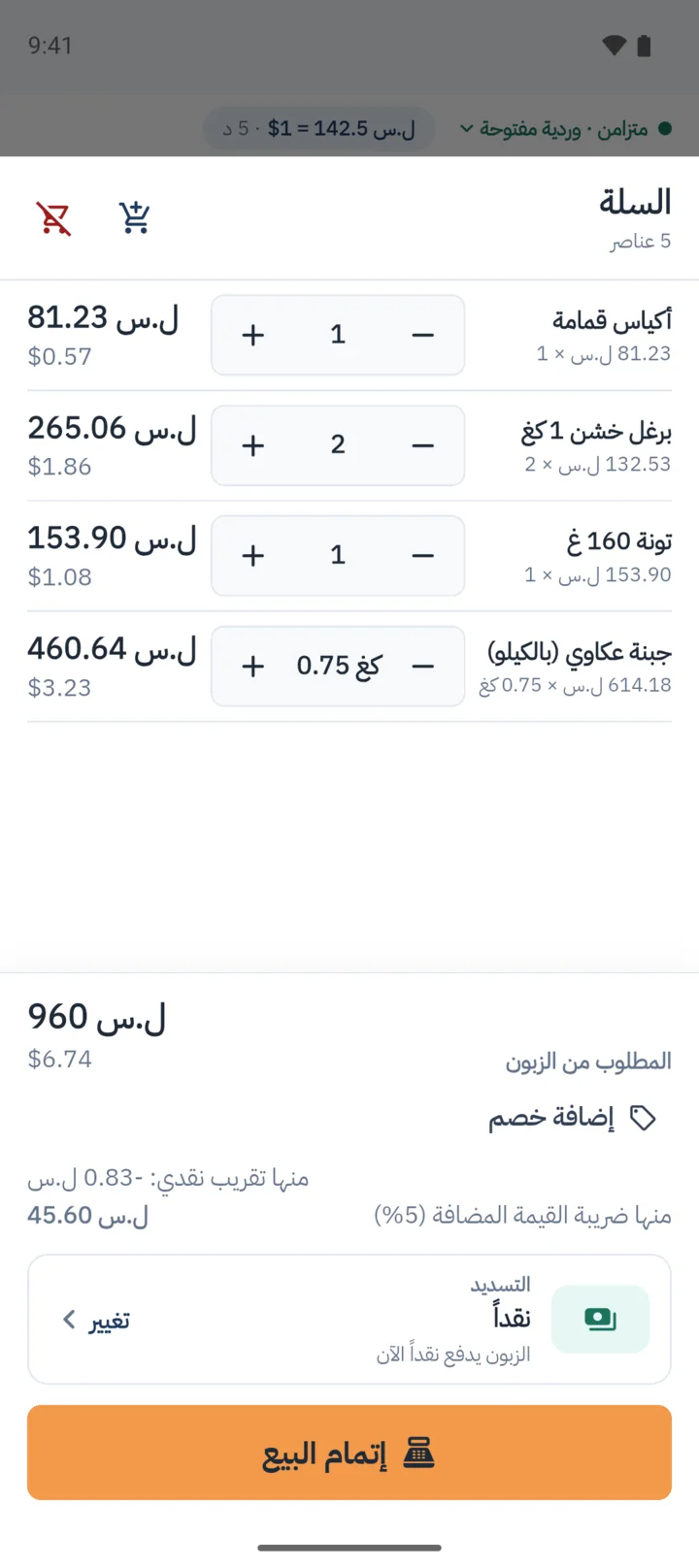
From download to first sale
Download the file and open it
If the phone asks, allow the browser to install this app, then tap "Install".
Register your shop
The shop’s name, the city and the phone number, then a username and a password. The trial starts at once.
Add your products in dollars
By barcode or by name, with the selling price and the purchase price. Bring over the paper daftar’s debts when you add your customers.
Open the shift and sell
With the float in the drawer. The exchange rate arrives from the server by itself.
The dashboard Economic
On the Economic plan, in any browser: for the owner, admins and managers.
Sign in to the dashboardThe computer till
Every plan has a till that runs on a computer, for those who want one. Ask for it on WhatsApp.
Try it in your shop for seven days
Get the app, register your shop, and sell from the first day. If you want to ask before you start, we answer on WhatsApp, in Arabic.